Free · No sign-up
YouTube Transcript
Paste a YouTube link and get its transcript in seconds: text with timestamps, paragraphs, SRT or VTT. Free, with no account and no extension.
Ready
Get a YouTube transcript
Watch, Shorts, live and youtu.be links all work.
Scribopal is not affiliated with YouTube, Google, TikTok or Instagram. We show captions that are already public, for personal, study and accessibility use. Respect creators' copyright.
Three steps
How to get a YouTube transcript
- 01
Copy the link
In the YouTube app or site, tap Share and copy the link. Watch, Shorts, live and youtu.be links all work.
- 02
Paste it above
Paste the link and press Get transcript. The captions load in a few seconds.
- 03
Copy or download
Read it with timestamps or as full text. Copy it, or download it as TXT, SRT or VTT.
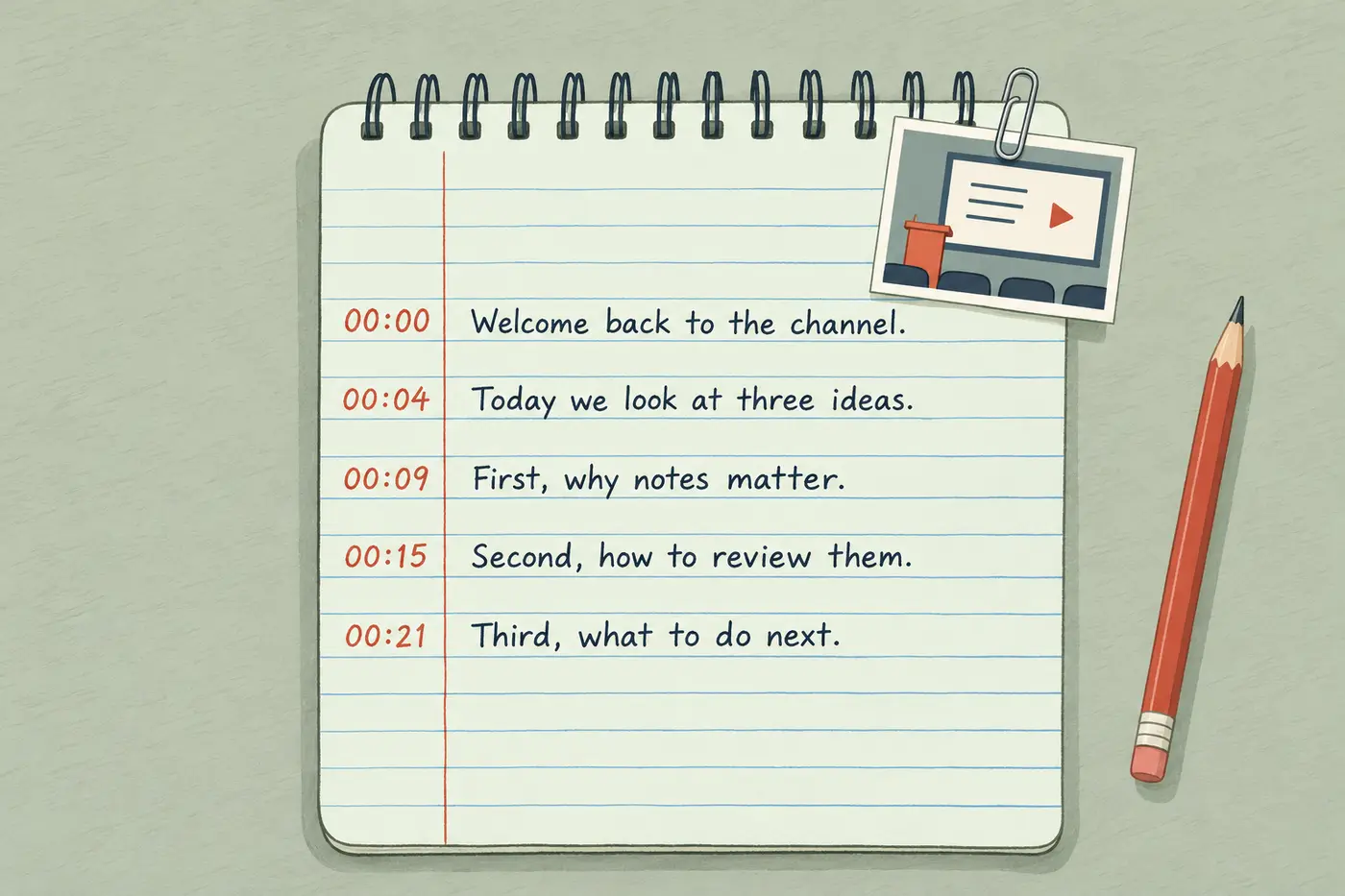
YouTube to text in five formats
One paste turns a YouTube video into text five ways. Read it with timestamps or as full text, in paragraphs or one caption per line, then copy what you see or download it as a text file or as SRT or VTT subtitles.
- Timestamps: one line per caption with its start time. Click a time to open the video at that moment, or search for a word.
- Full text in paragraphs: the captions joined up, for reading and quoting.
- Full text by caption: the words only, one caption per line.
- SRT and VTT: subtitle files with exact start and end times, for video editors, players and course platforms.
When a video has no captions
We read the captions YouTube already has: the creator's own, or the ones YouTube makes automatically. Some videos have neither. Captions can be turned off, still processing after an upload, or missing for music and very short clips.
We don't download videos, so for these the way through is a file you have. If it's your own video, upload the original file to the audio to text converter and it's transcribed with AI, using your free minutes.
Transcripts for TikTok, Reels and your own files
TikTok and Instagram don't publish captions the way YouTube does, so those work from a saved file: see the TikTok transcript generator and the Instagram Reel transcript tool. Recordings, meetings and podcasts go through the audio to text converter. Files get 10 free minutes a day without an account, 30 with a free Google sign-in.
Questions
Frequently asked questions
How do I get the transcript of a YouTube video?
Copy the video link, paste it into the box at the top of this page and press Get transcript. You can also open the transcript on YouTube itself under the description (Show transcript), but it only lets you copy text by hand, with no SRT or download.
Is it free?
Yes. YouTube transcripts are free with no daily limit and no account. We only slow you down if you send many requests in a few minutes.
Why doesn't a video have a transcript?
Because it has no captions on YouTube. The creator may have turned them off, YouTube may still be making them, or the video is mostly music. If it's your own video, upload the file to the audio to text converter instead.
Can I download it as SRT?
Yes. Press Download and choose SRT. VTT and plain text are there too. The YouTube transcript download page explains which format to use where.
Does it work with YouTube Shorts?
Yes, if the Short has captions. Paste the Shorts link as it is.
Are auto-generated captions accurate?
Usually good for clear speech in a common language, weaker for names, jargon and noisy audio. The tool tells you when a transcript comes from auto-generated captions, so you know to check it.
How do I put a YouTube transcript into Word or Google Docs?
Open the Full text view, copy it, and paste it into your document. For a file, press Download and choose TXT while that view is open, then open the file in Word. Use the Timestamps view instead if you want the times next to the words.
Can I get the transcript in another language?
Yes, if the video has captions in that language. When there's more than one, pick it from the Language list above the transcript. We don't translate, so if your language isn't in the list, copy the text into a translator.
Does it work on a phone?
Yes. Open this page in your phone's browser, paste the link from the YouTube app's Share button, then copy or download the transcript. There's no app or browser extension to install.
Can I get the transcript of a private or age-restricted video?
No. YouTube only gives out captions for videos anyone can watch. For a private, removed or age-restricted video, the tool tells you it's unavailable.
Tools